vc 단축키 커맨드 + 쉬프트 + P 눌르고
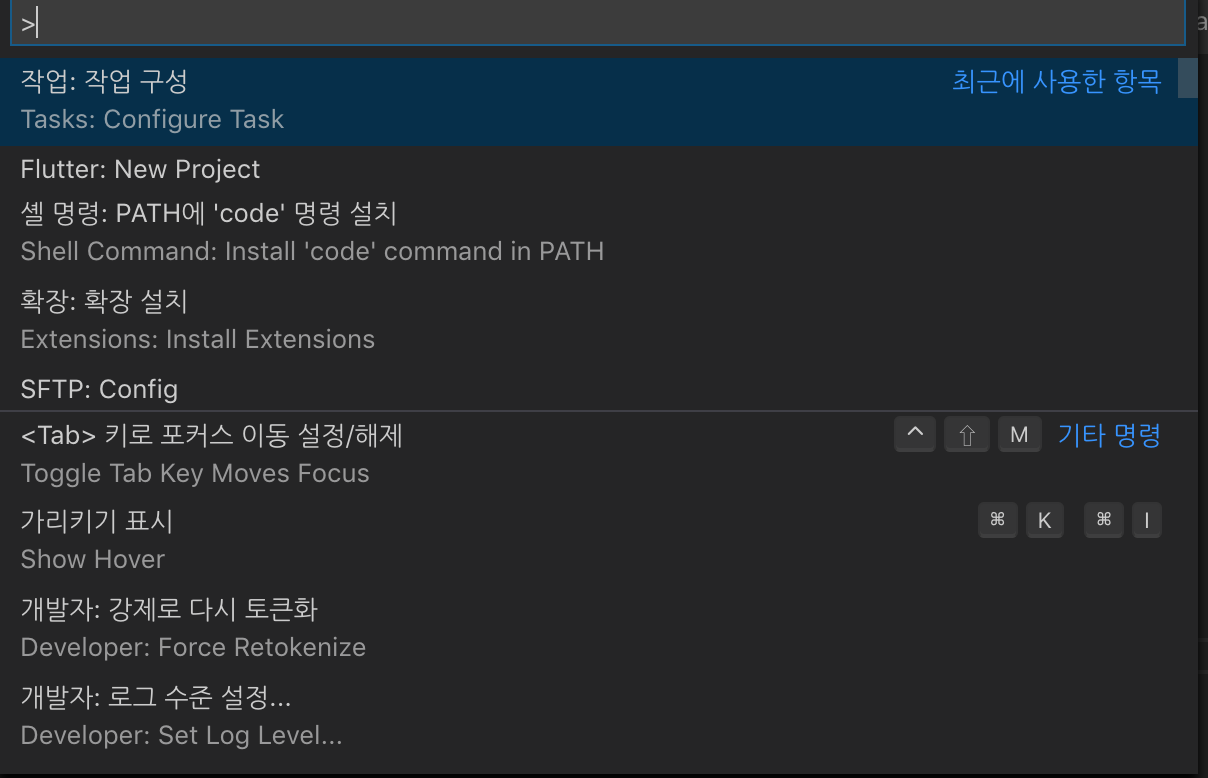
Tasks:Configure Task 선택

tsc: 빌드 - tsconfig.json 선택하면 .vccode 폴더안에 task.json 만들어지는데 아래있는 코드 넣으면 됨.
{
// See https://go.microsoft.com/fwlink/?LinkId=733558
// for the documentation about the tasks.json format
"version": "2.0.0",
"tasks": [
{
"type": "typescript",
"tsconfig": "tsconfig.json",
"problemMatcher": [
"$tsc"
],
"group": {
"kind": "build",
"isDefault": true
}
}
]
}
이후에 커맨드 + 쉬프트 + b 누르면 빌드를 실행하게된다.
'typescript' 카테고리의 다른 글
| typescript 설치방법 (0) | 2020.09.03 |
|---|---|
| typescript에서 파일간 export하고 import하기. (0) | 2020.09.03 |
| interface간 상속 (0) | 2020.09.03 |

